In this release, Document EDI can use a new tag <SubMasterbillNumber> to match the Document to a Job or Consol.
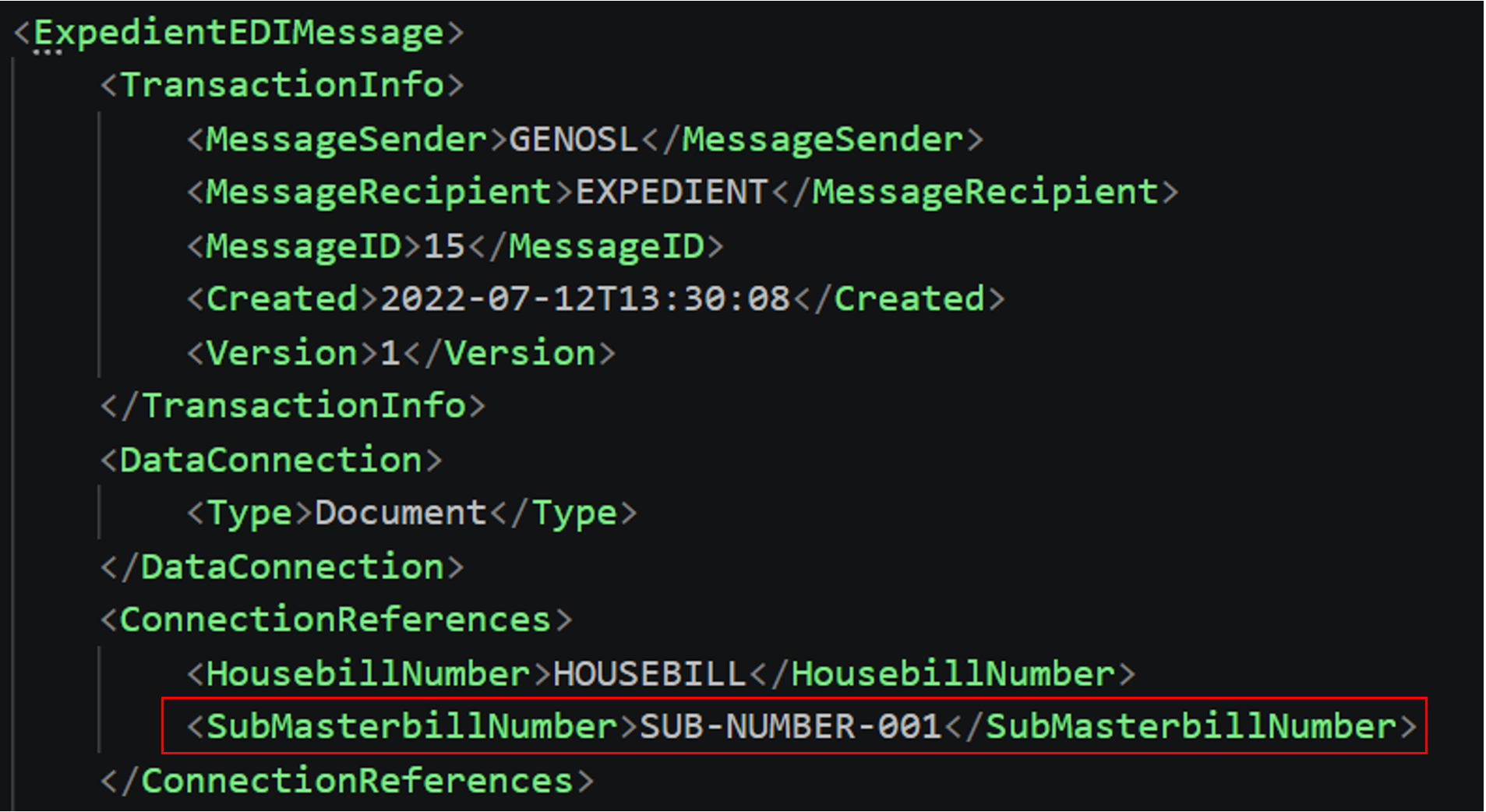
If the <SubMasterbillNumber> tag exists, then Document EDI will attempt to match the Document to the Consol or Job, matching on all available tags. If only the <SubMasterbillNumber> tags exists, then the Document EDI matching process will prioritise matching a Consol with the matching Sub Master created within the last 6 months.
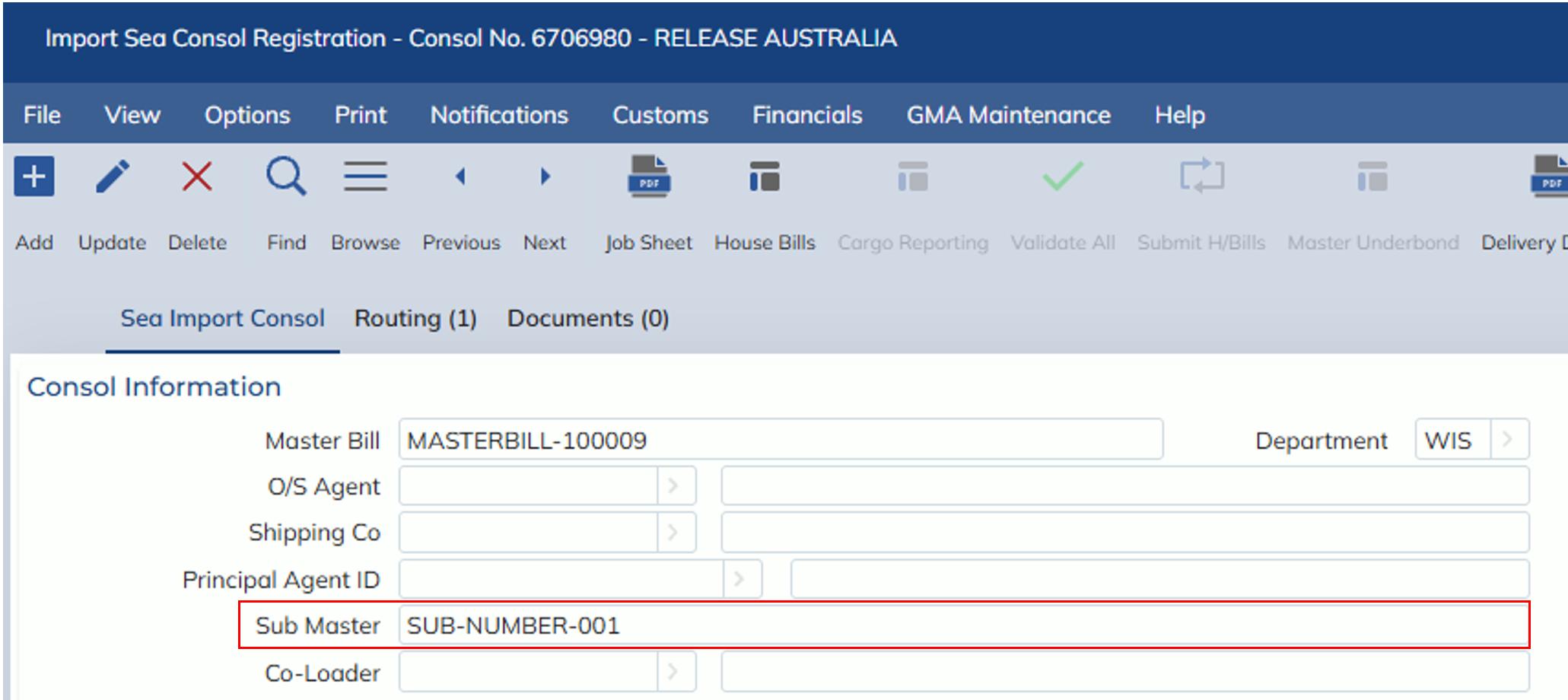
If Document EDI does not find a matching Consol, then it will look for a Job with the matching Sub Master created within the last 6 months.
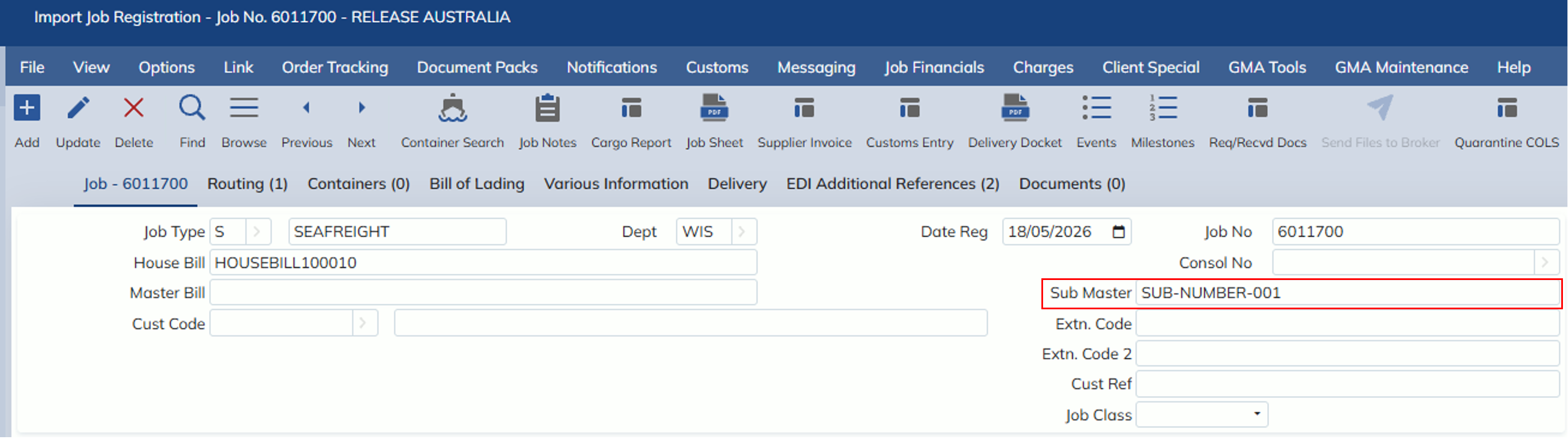
If Document EDI is not able to find a matching Consol or Job, then it will load the Document into the Forwarding -> Inbound EDI -> Document EDI screen like before for unmatched documents.