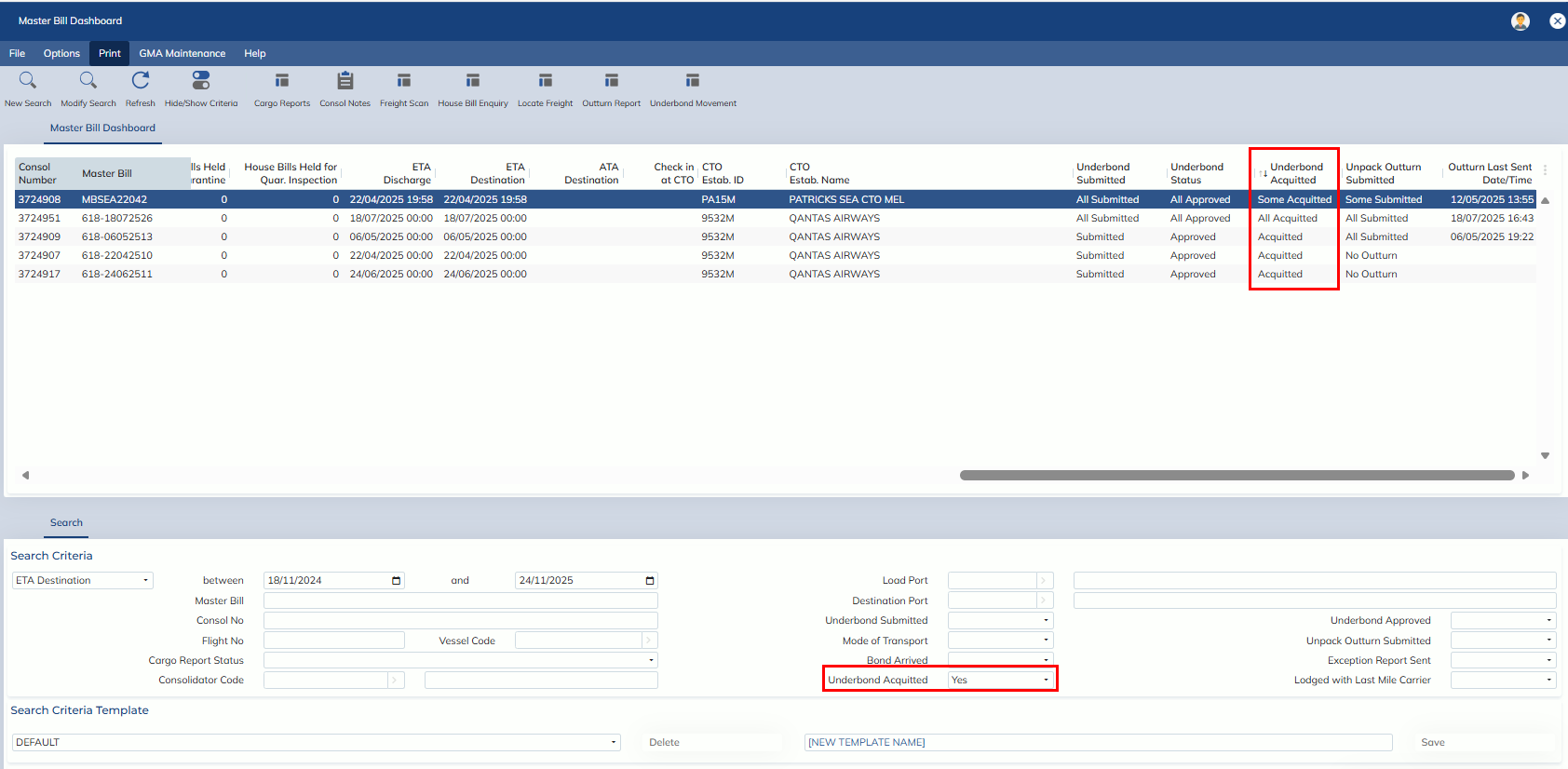
The “Underbond Acquittal” column has been added to the Master Bill Dashboard. User can also query the “Underbond Acquittal” status via Search Criteria.
Note:
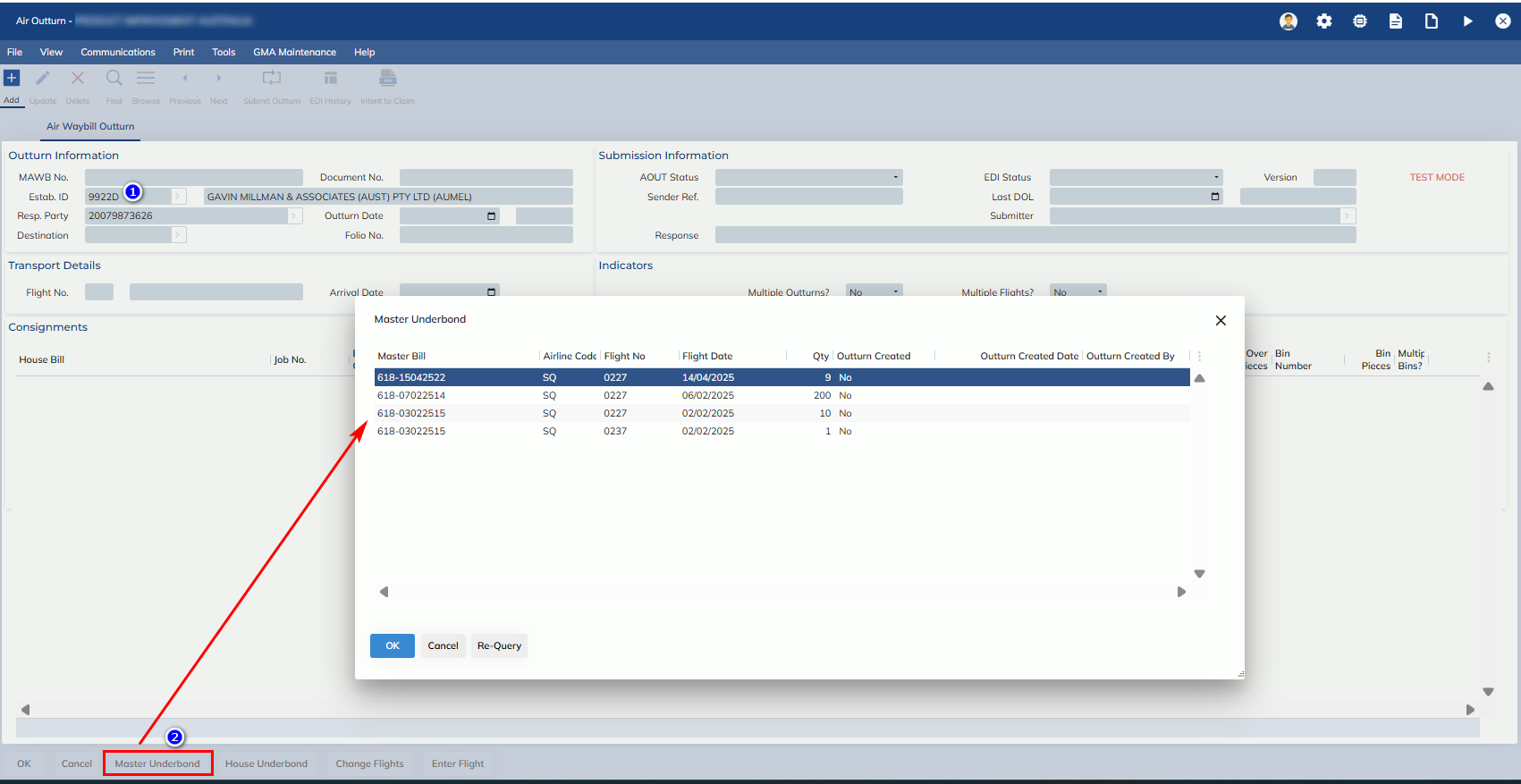
Users can acquit underbond via the outturn report screen.
- Go to Forwarding -> Import Air -> Outturn/Manifest Check-In
- Click “Add” and enter “Establishment ID”
- Click “Master Underbond”.
- Select the MAWB from Zoom for the outturn
- Submit the outturn report.
- After the MAWB outturn report is submitted, the underbond will be acquitted in ICS.