In this release, we have greatly enhanced the Partner Portal Order File Load process
On the Orders tab of the Partner Portal, users will note that the ‘UPLOAD ORDERS’ button, has been split into two new buttons ‘UPLOAD IMPORT ORDERS’ and ‘UPLOAD EXPORT ORDERS’

The UPLOAD IMPORT ORDERS button opens a new ‘ORDER FILE LOAD’ screen
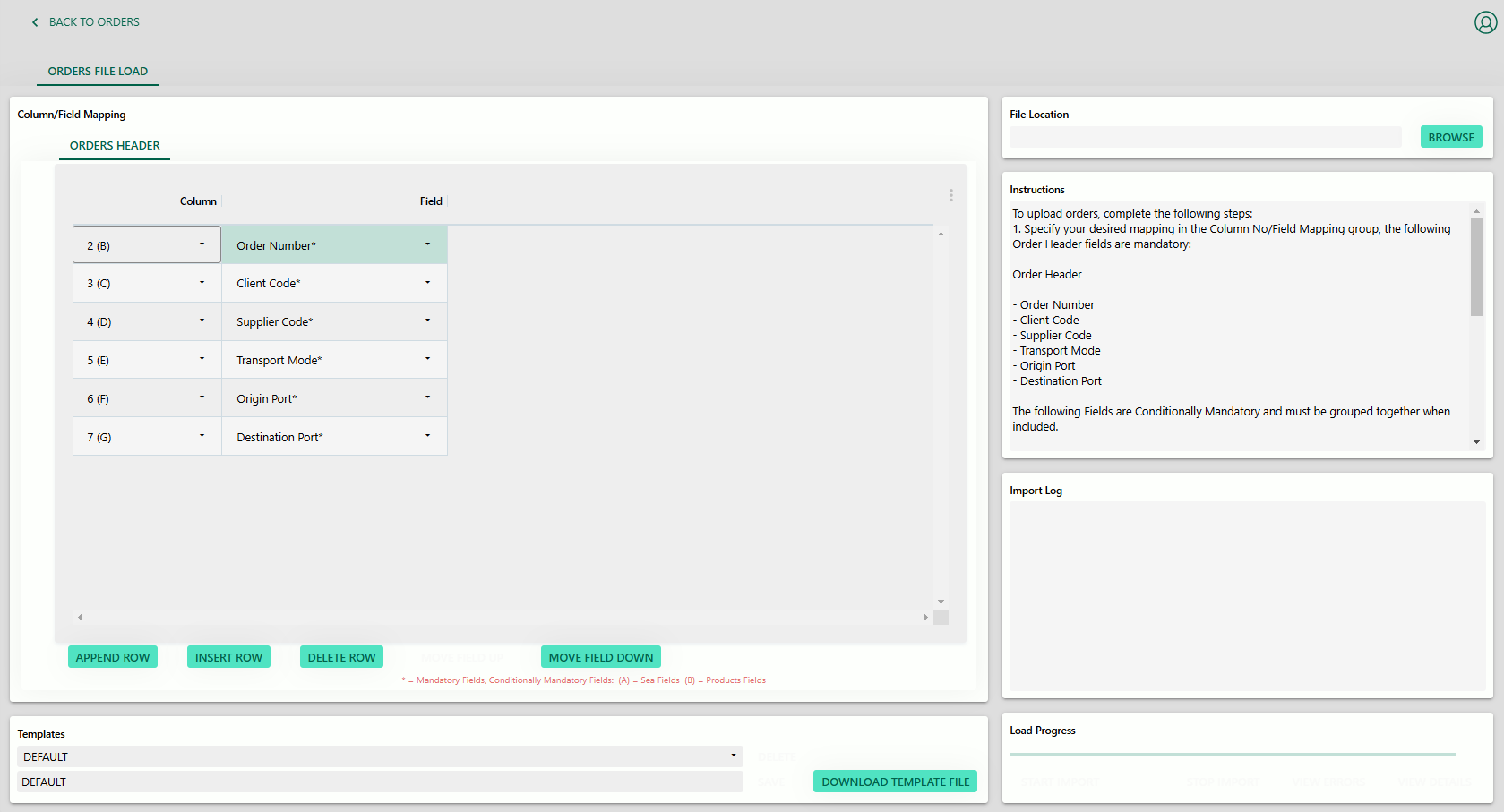
This screen contains a mapping section, where users may map their own file to be loaded into the Partner Portal
Fields marked with * are mandatory, fields marked A – B are conditionally mandatory, if users specify one field in a group marked A – B e.g. one (B) field, then ALL (B) fields must be specified for the mapping.
The following field may contain multiple entries separated by ‘|’ symbols:
– Products – Supplier Part Number
– Products – Order Quantity
– Products – Unit of Measure
– Products – Unit Value
– Products – Unit Quantity
– Products – Unit Price
– Products – Required in Store
Please refer to the Partner Portal user manual for detailed examples regarding the pipe separation functionality.
Mappings may be saved as templates, via the templates group. When a template is downloaded, each column with auto-populate an example entry, to indicate the value the column expects.

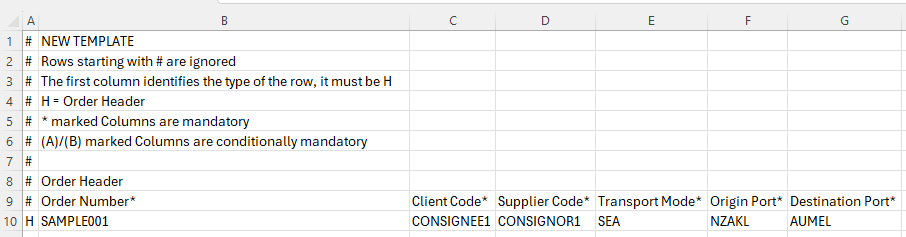
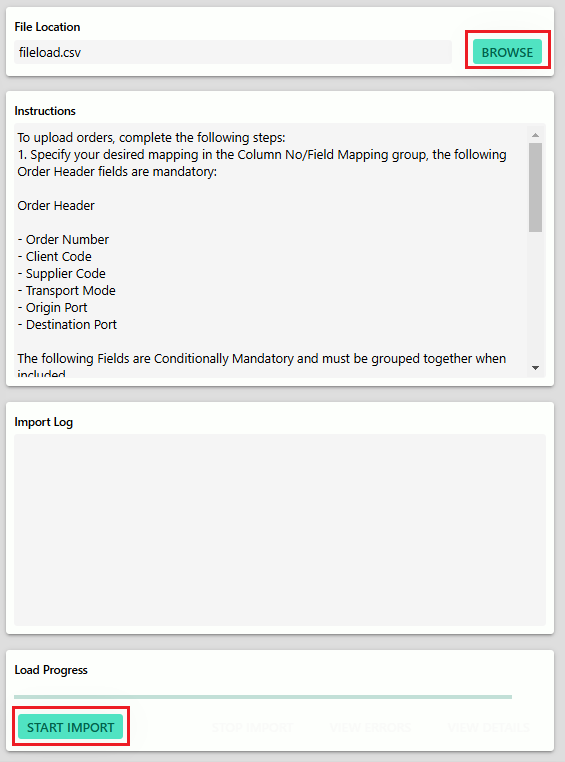
When the template file has been filled out as intended, it may be uploaded using the BROWSE and START IMPORT buttons.
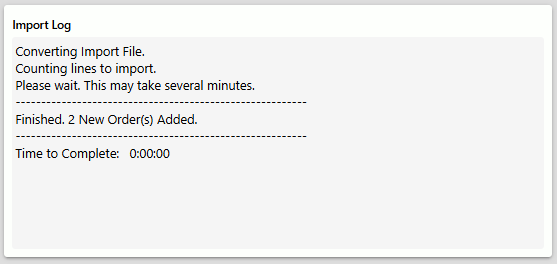
If any errors are present, the user will be notified via the Import Log group, and may view the errors via the VIEW DETAILS button
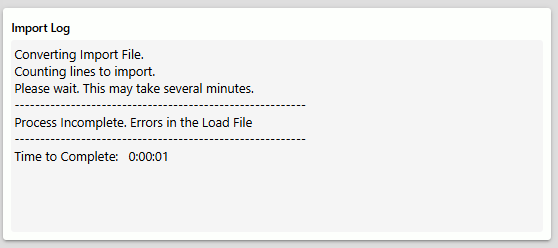
If no errors are present, the user will be notified that the order(s) have been successfully uploaded
Export Orders may still be uploaded using the old load process now relabeled ‘UPLOAD EXPORT ORDERS’ Over the coming releases, the UPLOAD EXPORT ORDERS process will be merged into the new UPLOAD IMPORT ORDERS load process.