In this release, we have implemented Single Sign On (SSO) via Microsoft Entra for Expedient.
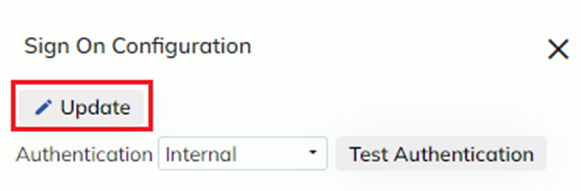
Super users may configure SSO via the Administration -> Corporate -> Sign On Configuration modal by pressing ‘Update’, selecting the ‘SAML’ Authentication method and following the instructions in the Integration Tutorial
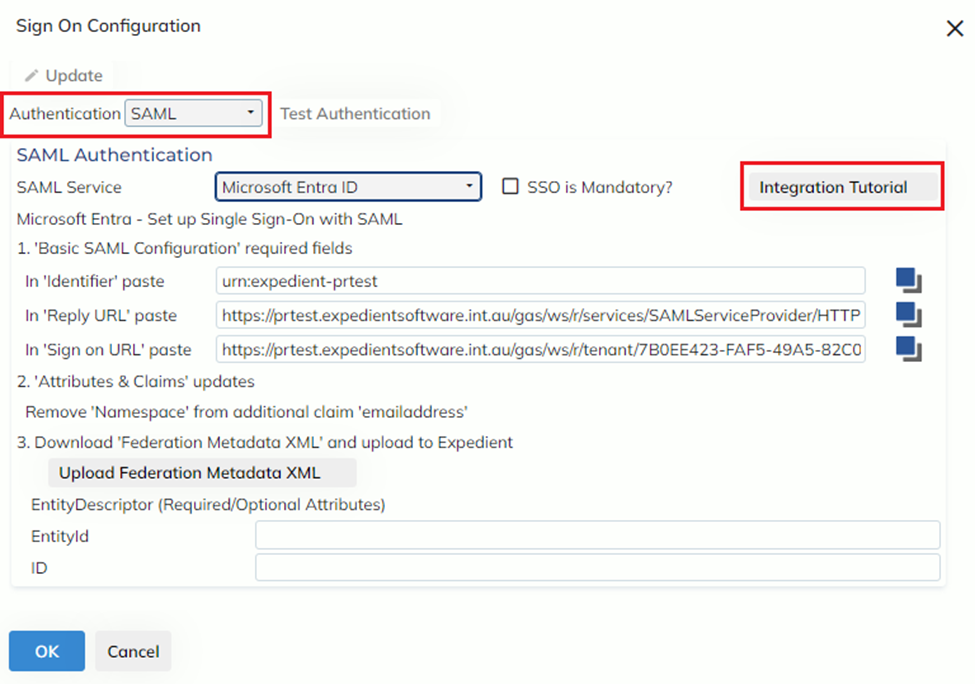
SSO may be enforced as mandatory via the ‘SSO is Mandatory?’ check-box
When this check-box is unticked, users may log in via the Internal (Expedient) Authentication method AND via SSO
When the check-box is ticked, users may only log in via SSO
Please contact Expedient Support for any queries regarding this process.