In this release, the nominated users can update the Line Type (consolidation flag) after the entry is submitted.
The superuser should tick “CON_TYPE_EDT” in user options (User Masterfile>Options>User Options) to allow the user to switch the Line Type after submitting the entry.
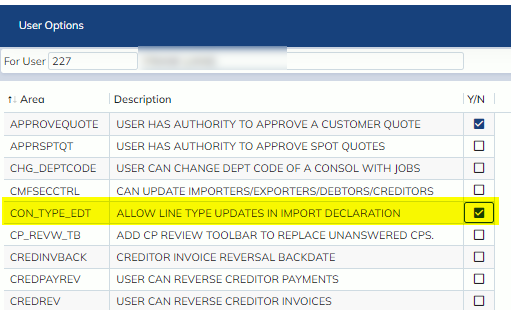
After the user option is ticked, a “Switch Line Type” option will be added to Import Declaration N10/20>Options.
Please note that the option will only enabled when the entry is in update mode and the entry has been submitted. Users can change the consolidation type via the normal re-prepare process if the entry has not been submitted.
The prompt below will display when the “Switch Line Type” is clicked.
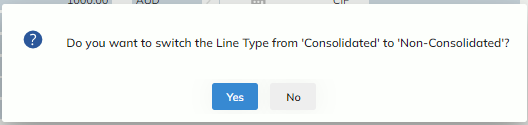
If “Yes” is clicked, the line type will be switched and the entry will be re-preared automatically.
“ENLS” event will be updated in the job.
