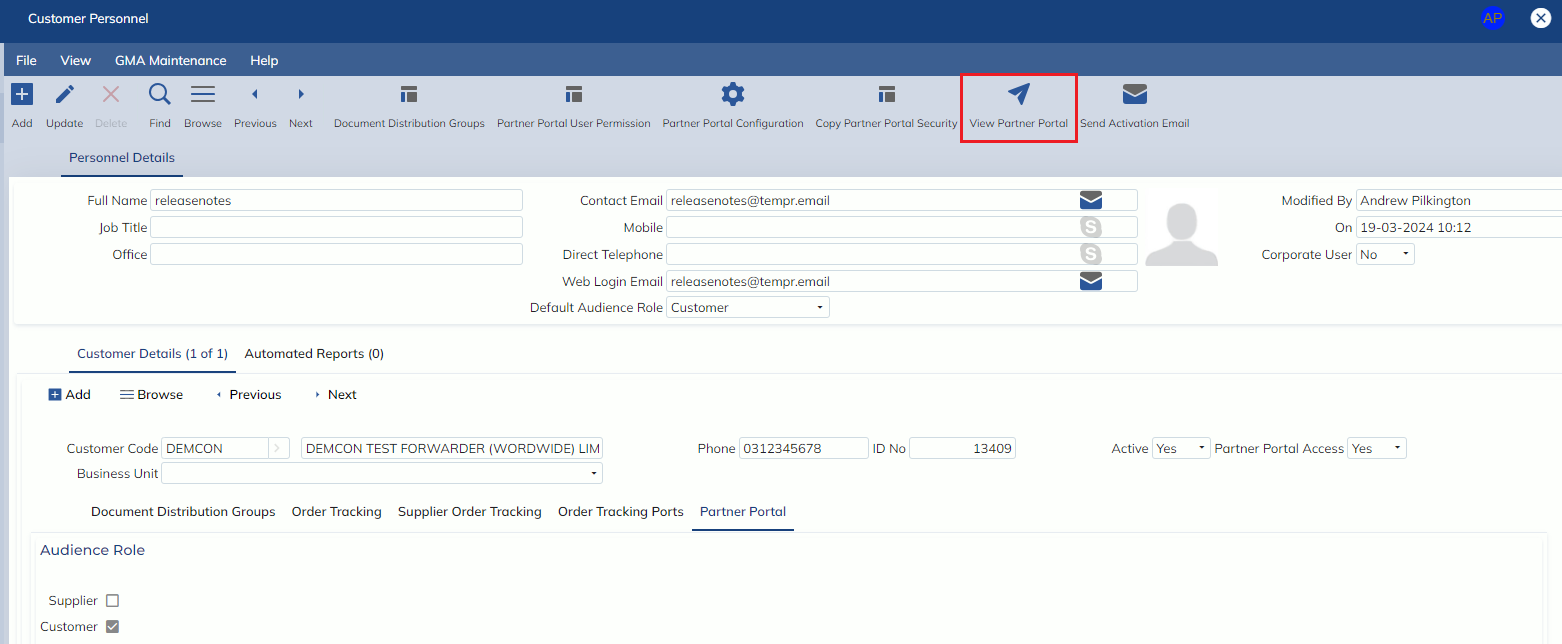
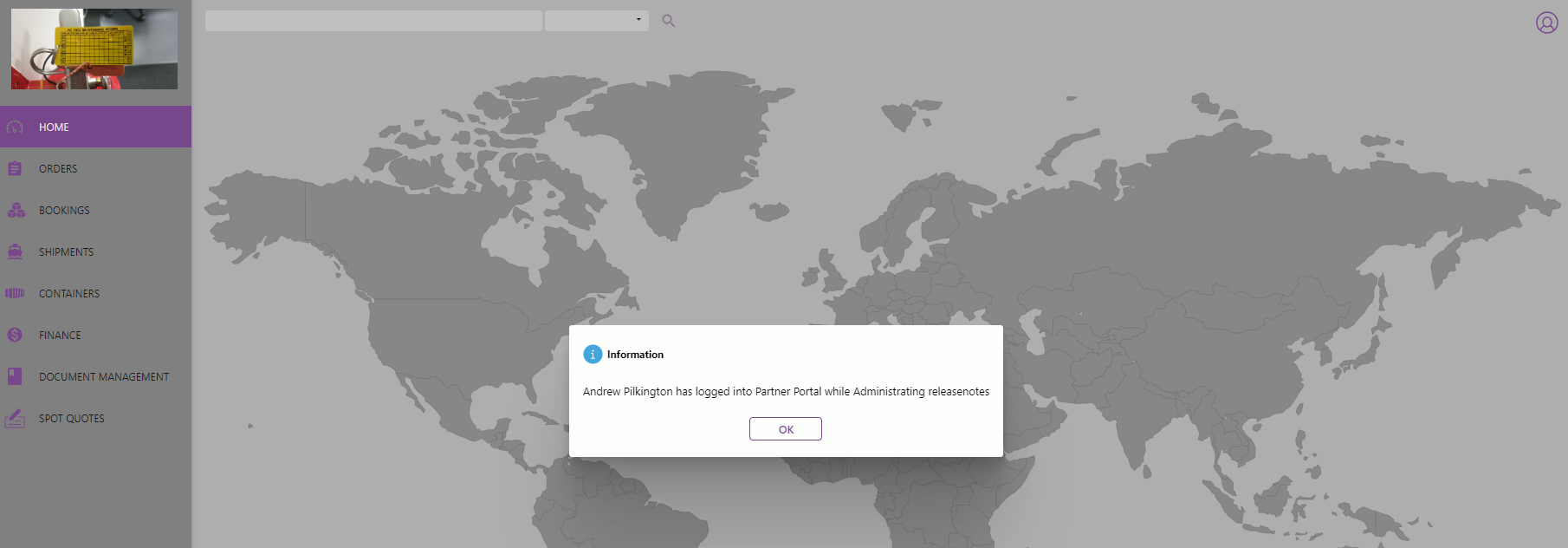
In this release, we have added a toolbar button ‘View Partner Portal’ on the Administration -> Masterfile Management -> Customer Personnel screen. This button allows corporate users to log in as the personnel record to set them up (e.g. showing/hiding columns, stretching columns, reordering columns, etc before sending the activation email.
Once the activation email is sent, corporate users can no longer log into the partner portal as the customer personnel record.