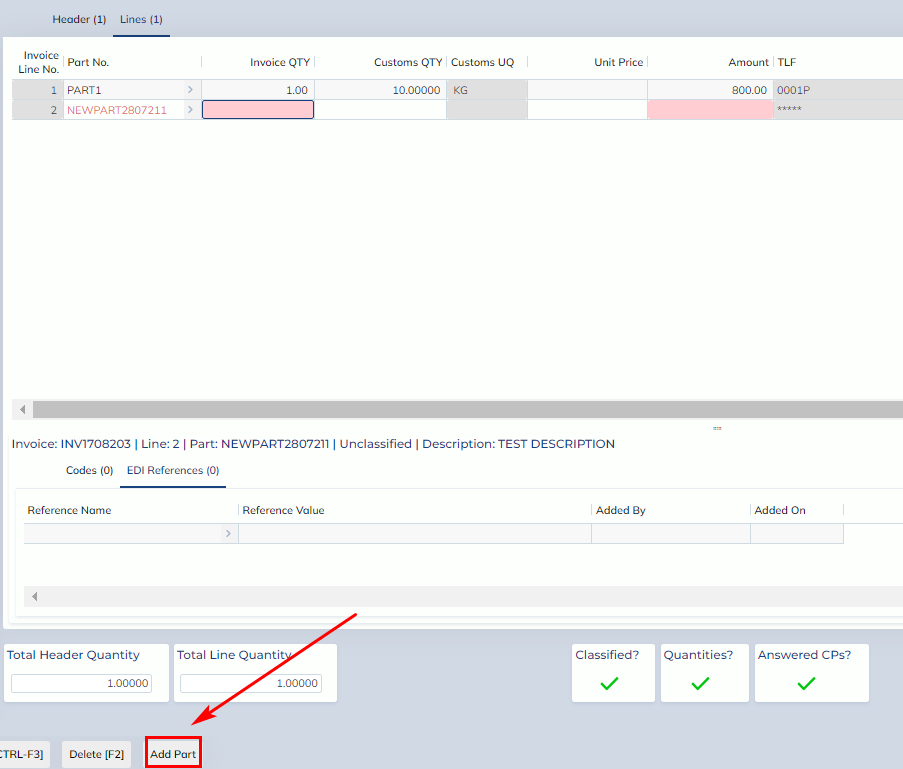
In this release, “Add Part” button has been added to the following screens
- Pre-job Supplier Invoice (AU only)
- Supplier Invoice (AU/NZ)
- Shipper Invoice (AU/NZ)
When a new part is added to the screen, you will see “Add Part” button.
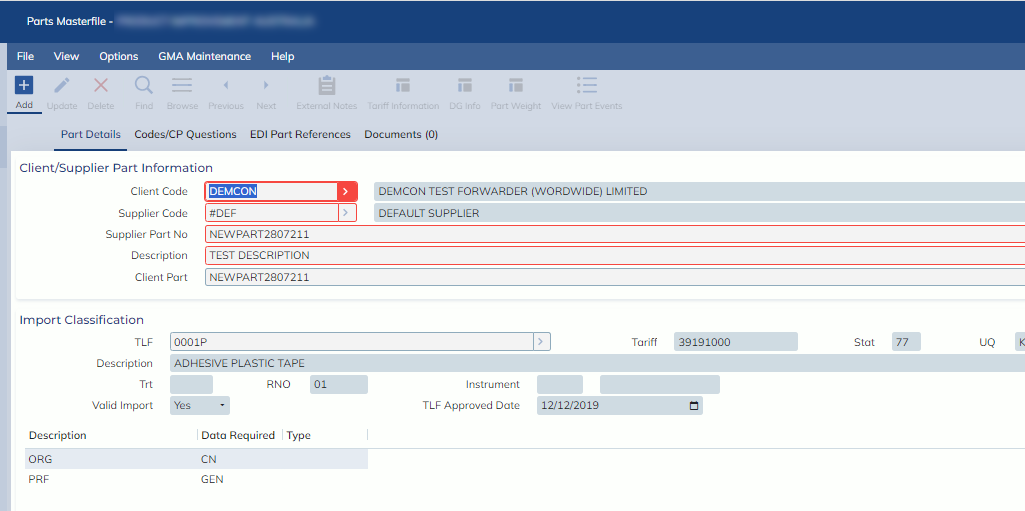
When it’s clicked, the process will open part masterfile and pre-populate the following values
- Customer Code
- Supplier Code
- Part Number
- Part Description
- Default Part Information (NZ only)
- TLF
- Part Codes
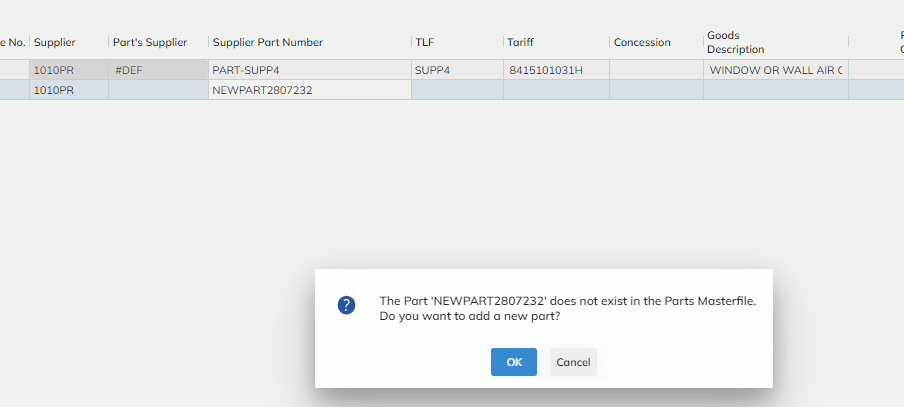
For NZ Import/Export Declaration, when a new part number is entered, the system will display the prompt like below to check if users would like to add a new part to the system.