On the release, users are able to print out the following shipper’s Invoice Listing report in CSV format.
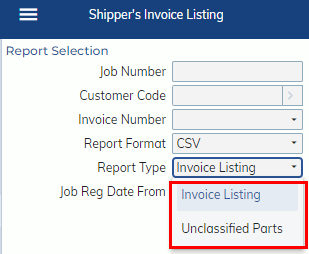
- The “Invoice Listing” report will list all shipper’s invoice lines.
- The “Unclassified Parts” report will list only the shipper’s invoice lines with unclassified parts.
- Users can use the report to bulk update unclassified parts by following the steps below.
- Print the “Unclassified Parts” report and fill in Export TLF on the file.
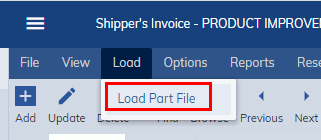
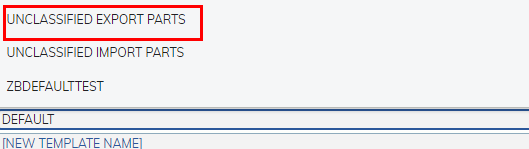
- Reload the file via Shipper’s Invoice>Load>Load Part File by selecting the “Unclassified Export Parts” Template.
-
-
- Users can use the report to bulk update unclassified parts by following the steps below.