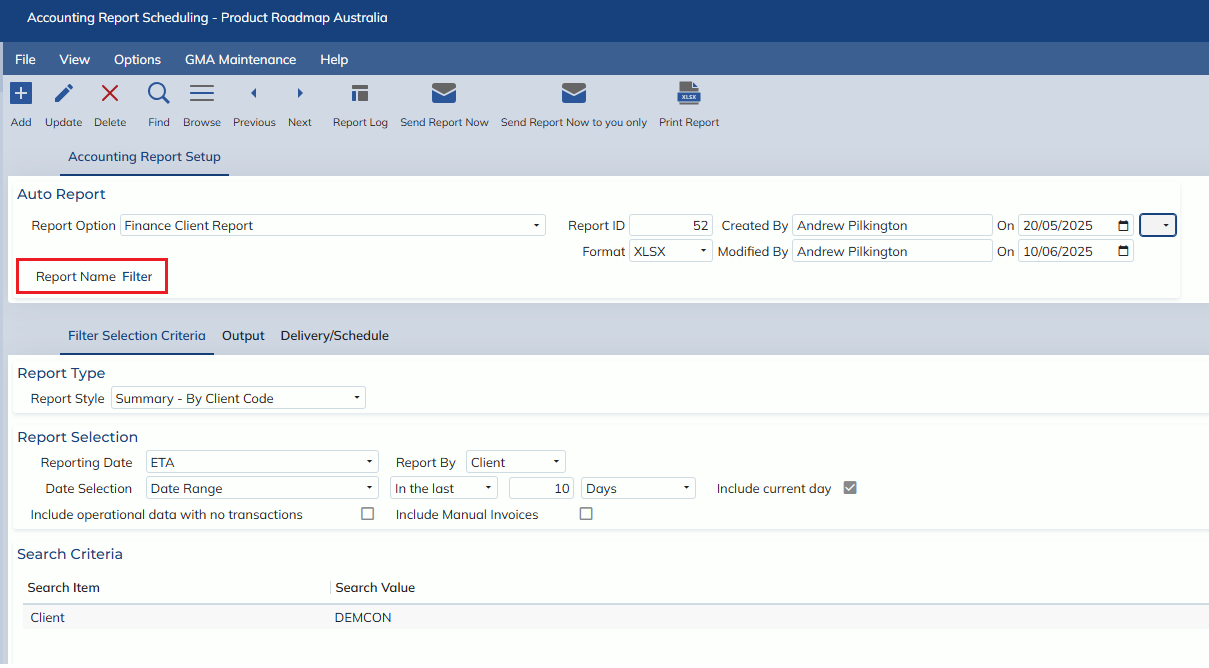
In this release we have implemented scheduling functionality for the following reports:
- Management -> Reports -> Finance -> Finance Client Report
- Management -> Reports -> Finance -> Finance Vendor Report
- Management -> Reports -> Finance -> Finance Consol Report
- Operational Finance -> Creditors Reports -> Creditors – ATB Reports
- Operational Finance -> Debtors Reports -> Debtors ATB – Reports
- Operational Finance -> Debtors Reports -> Client Statement
- Finance -> Reports -> General Ledger -> Profit & Loss
To schedule a report, the following requirements must be satisfied:
- The Saved Criteria field must be populated with a PUBLIC filter
- The Saved Criteria must have ALL mandatory fields populated
- Your user must have ADD permissions for the Accounting Report Scheduling screen
You may then select the ‘Schedule Report’ button
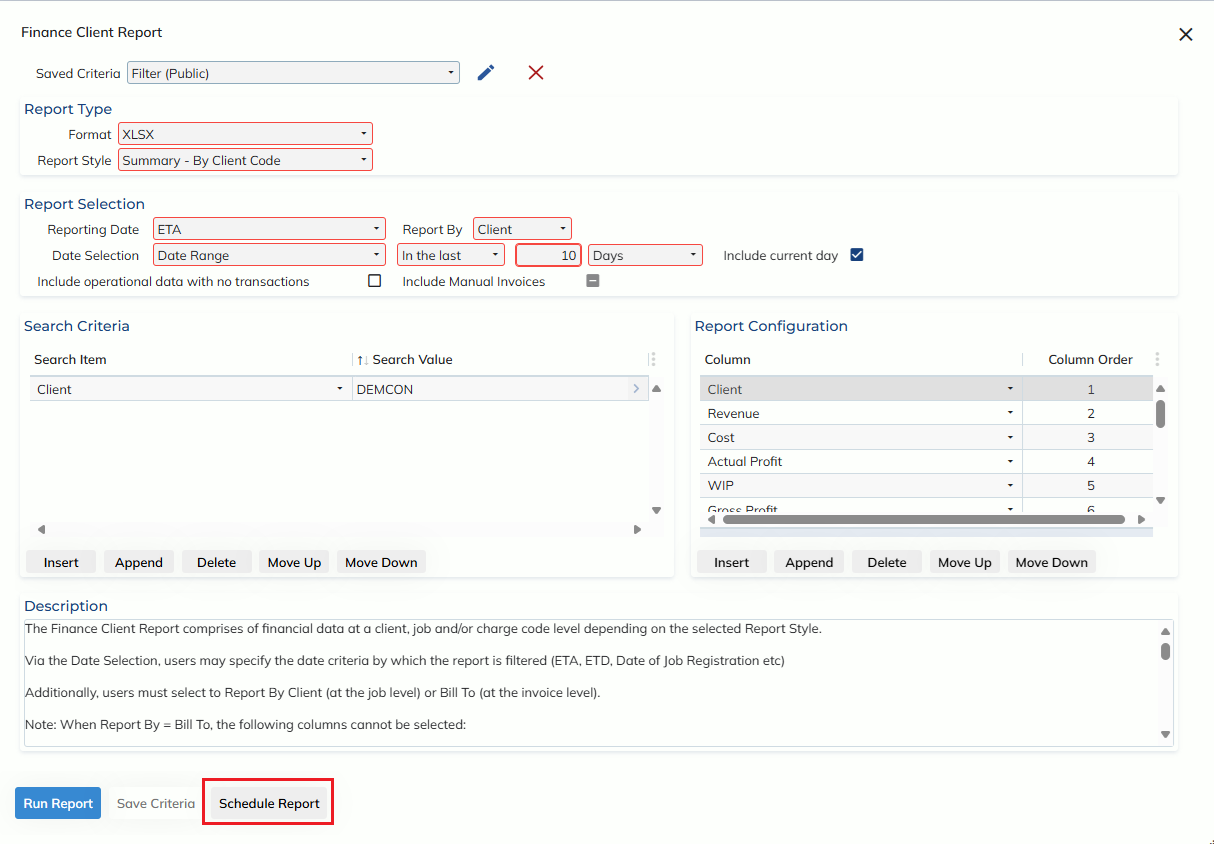
On pressing the Schedule Report button, you will be taken to the Accounting Report Scheduling screen in ADD mode, where you can review your selected criteria and (if applicable) output columns or rows – as well as specify the delivery schedule and recipient(s).
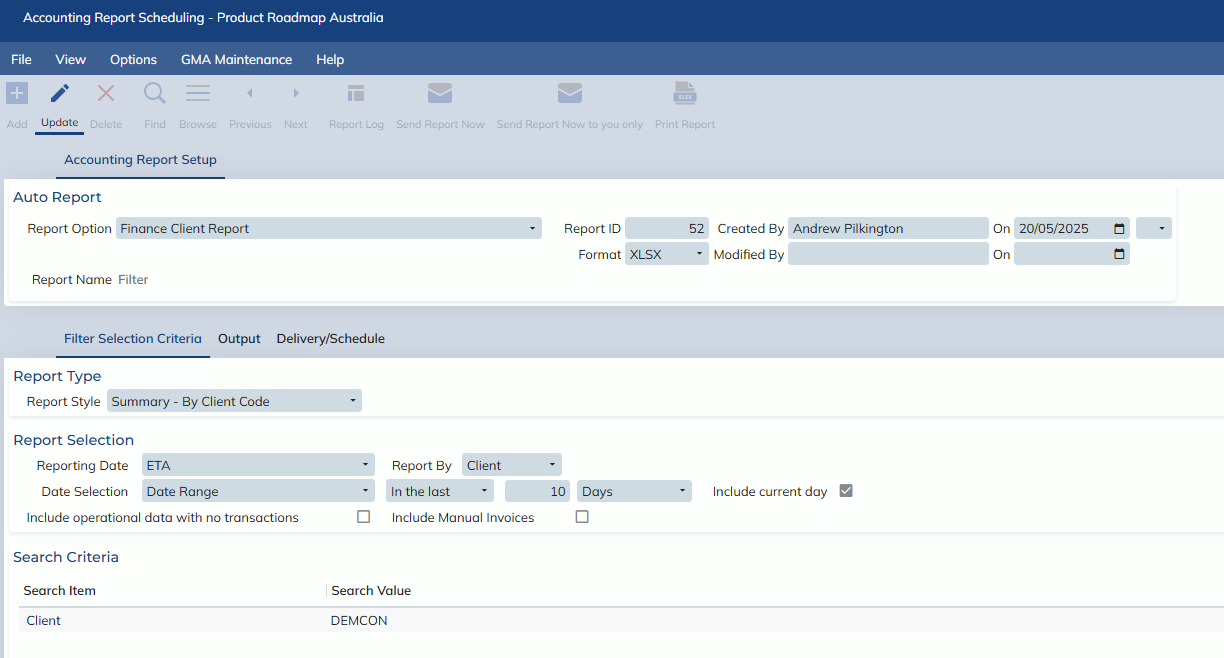
Scheduled report filters may be edited via the relevant report modals, or by using the hyperlink on the Report Name field