The following Command Key has been added to the Import Declaration N10/20 Screen
- Import Declaration N10/20>Options>View Charges
- Command Key: G
- Import Declaration N10/20>Options>Job Registration – View
- Command Key: J
- Import Declaration N10/20>Options>Supplier Invoice – View
- Command Key: C
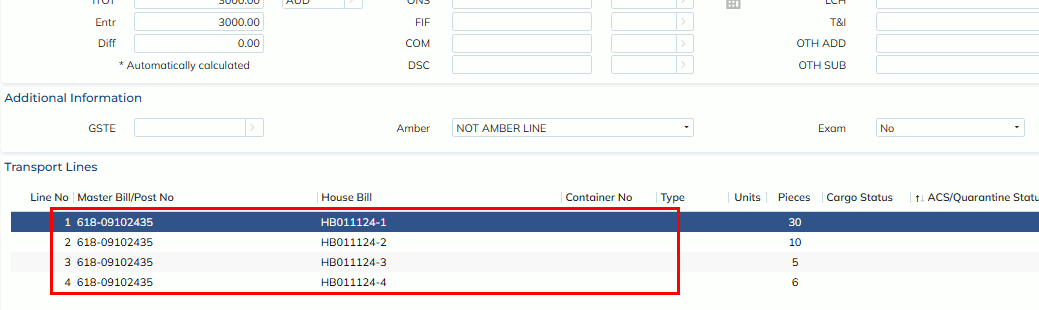
Additionally, users can click the transport line on the Import Declaration N10/20 screen to access the respective job with matched MB and HB.
The following Command Key has been added to the Import Declaration N30 Screen
- Import Declaration N 30>Options>View Charges
- Command Key: G
- Import Declaration N 30>Options>Job Registration – View
- Command Key: J
- Import Declaration N 30>Print>Declaration
- Command Key: L
- Import Declaration N 30>Print>EFT Receipt
- Command Key: R