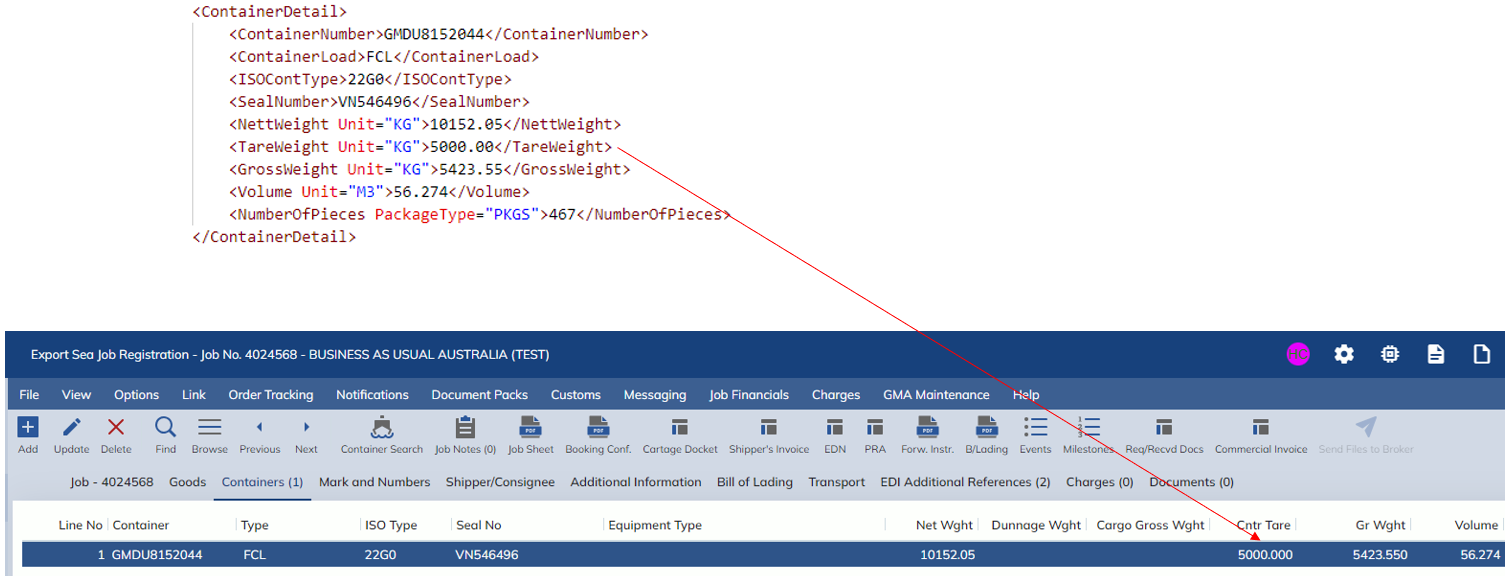
This release includes an update to the following screen:
- Customs Processing -> Job Registration
The Job Registration screen will now show the ‘Tare Weight’ column in the Containers tab. When a Container ISO Type is chosen, the Tare Weight will be automatically populated. Once the Net Weight is populated, then the Gross Weight will be populated with the sum of the Net Weight and the Tare Weight.
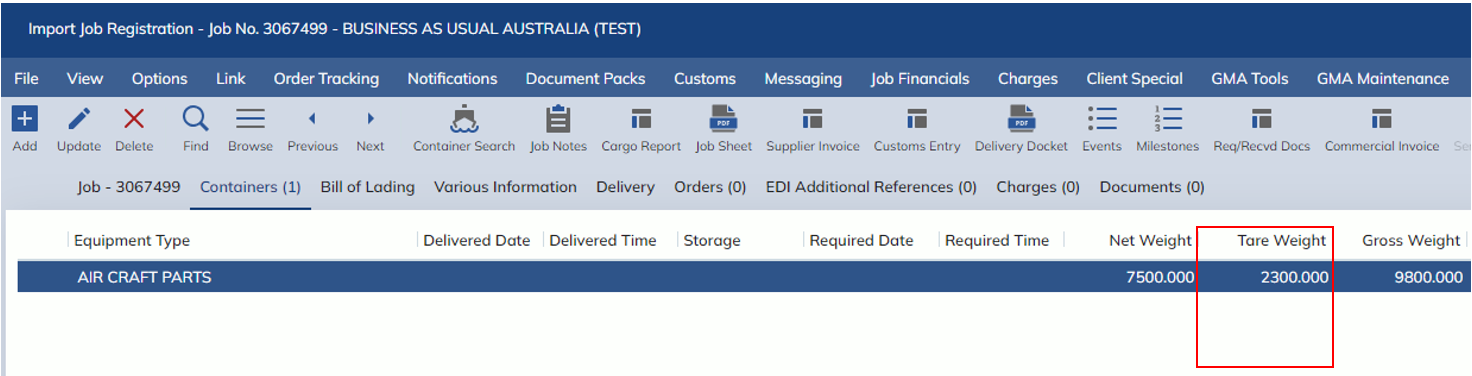
Import Sea XML
For Import Sea Jobs, the Tare Weight can be added to the Manifest EDI file format using the new XML tag called <TareWeight> within the <ContainerDetail> parent.
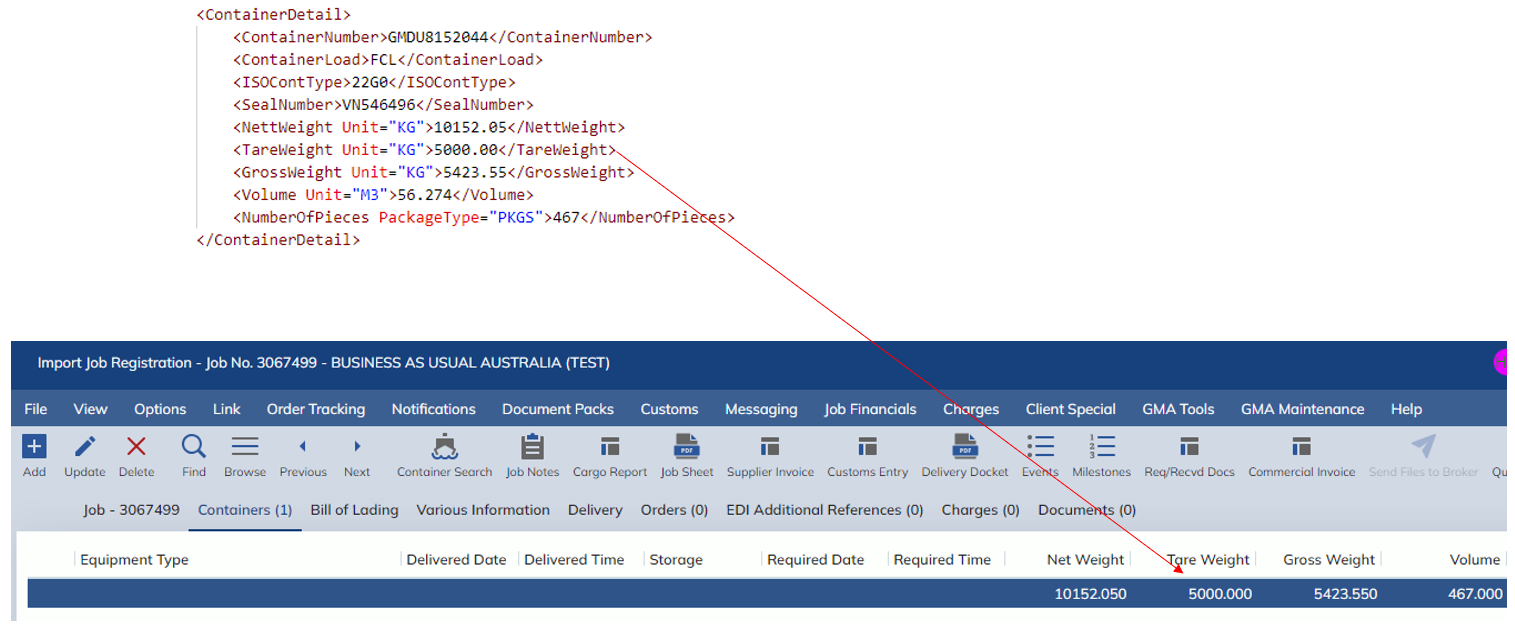
Export Sea XML
Similarly to Import Sea Jobs, for Export Sea Jobs, the Tare Weight can be added to the Manifest EDI file format using the new XML tag called <TareWeight> within the <ContainerDetail> parent.