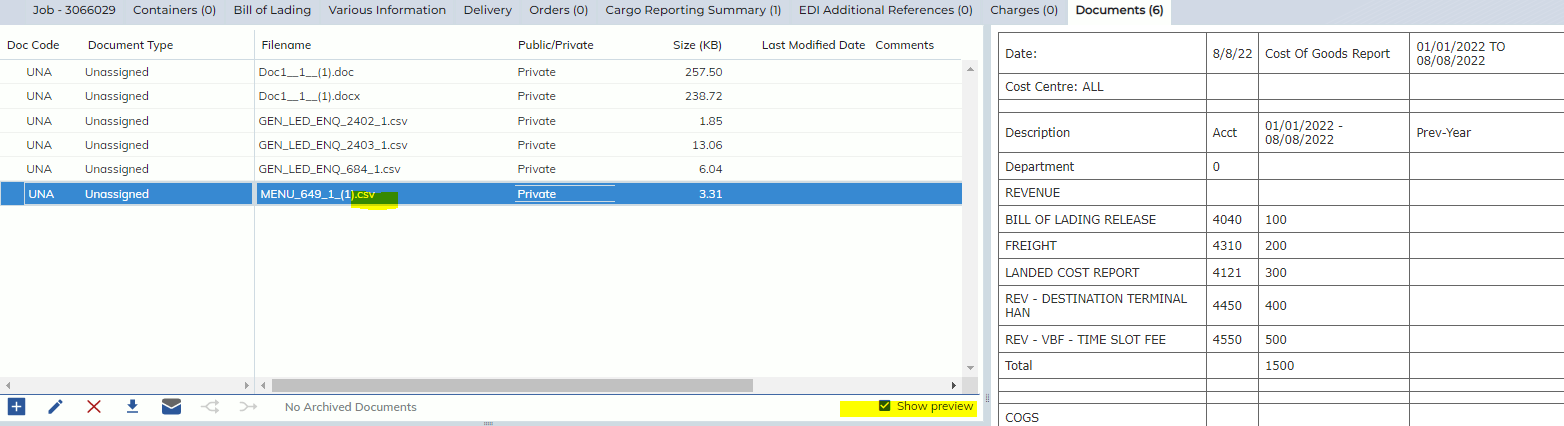
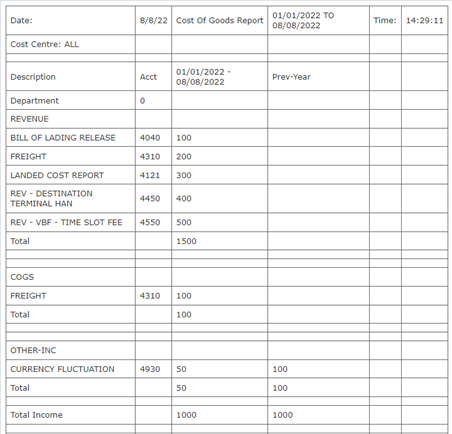
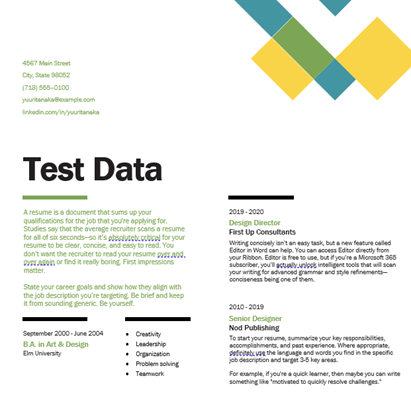
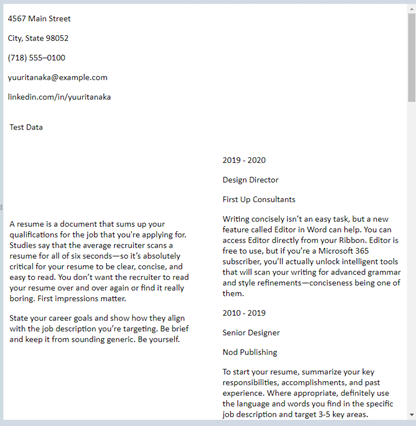
In this release, we have updated the Documents Tab to allow the following document types to have a Preview in the Preview side-panel:
- .xlsx / .xls
- Preview will only show the first 2000 rows
- docx
- .csv
- Preview will only show the first 2000 rows
NOTE: this enhancement only effects the corporate site, not the Partner Portal.
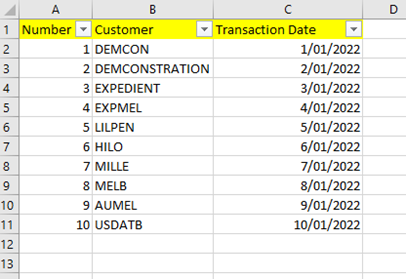
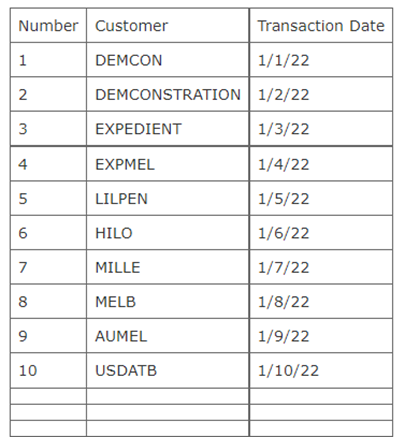
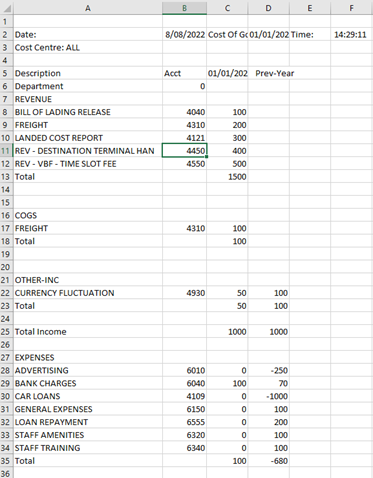
These documents will appear prioritizing the data, therefore they will not show the same formatting as the information inside the actual document.
For example:
| Type | Original File | Preview |
| .xlsx/
.xls |
|
|
| .csv |
|
|
| .docx |
|
|
The Preview function operates as usual: users may select the ‘Show Preview’ checkbox to see the preview of the selected document in the right side-panel: