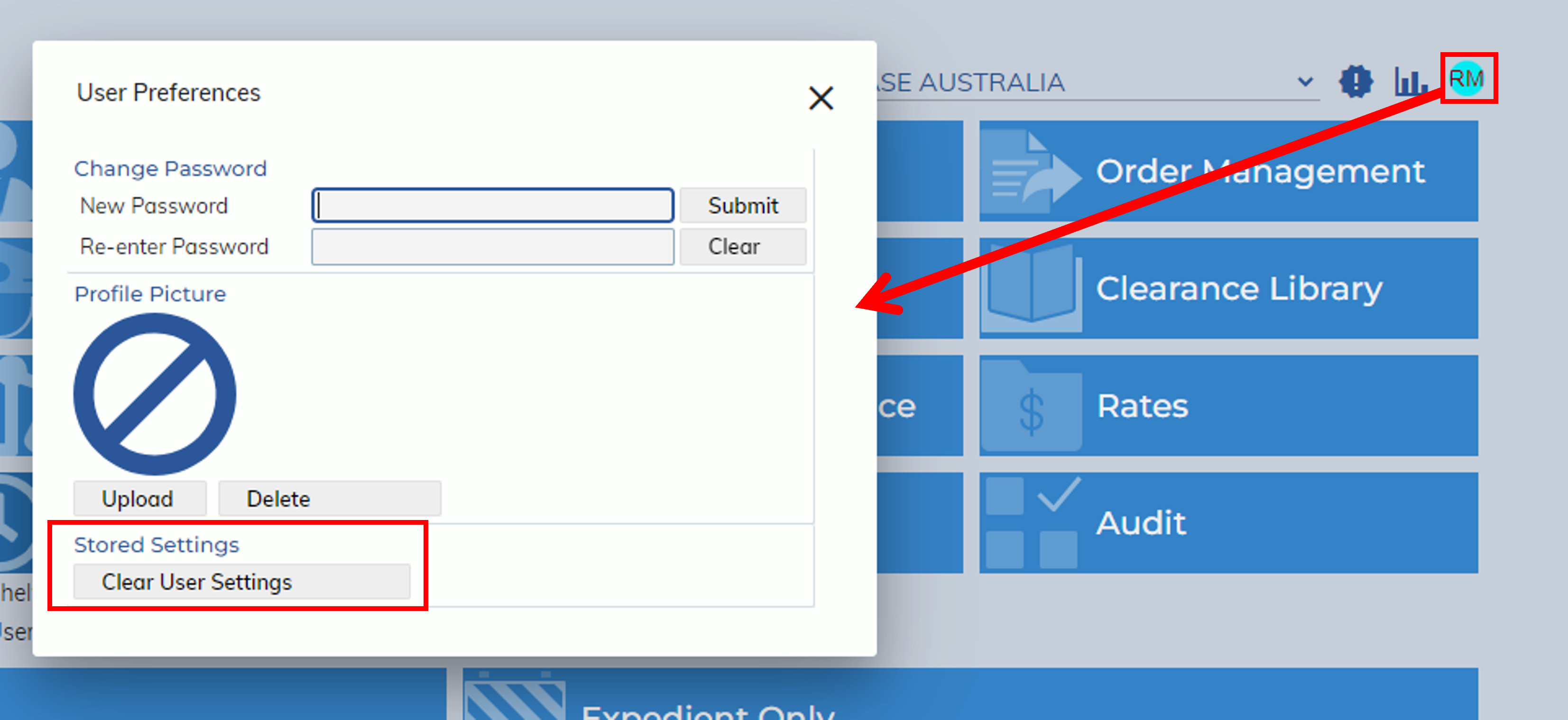
This release includes an update to the how Stored Settings are treated and also an update to the User Preferences modal, with the addition of the “Clear User Settings” button.
Previously, settings for tables would be stored by browsers. For example, if a user logged into Expedient in Chrome and adjusted the column order in their Milestones table, when they sign out and log in on a different browser they would not see their changes.
Now, users can safely reorder, hide and show certain table columns in expedient and have those changes be saved regardless of browser.
To clear these settings, click on your initials at the top right of the home screen to access User Preferences and click “Clear User Settings”